Reign Legacy GCash Withdrawal: Step-by-Step Guide and Common Issues
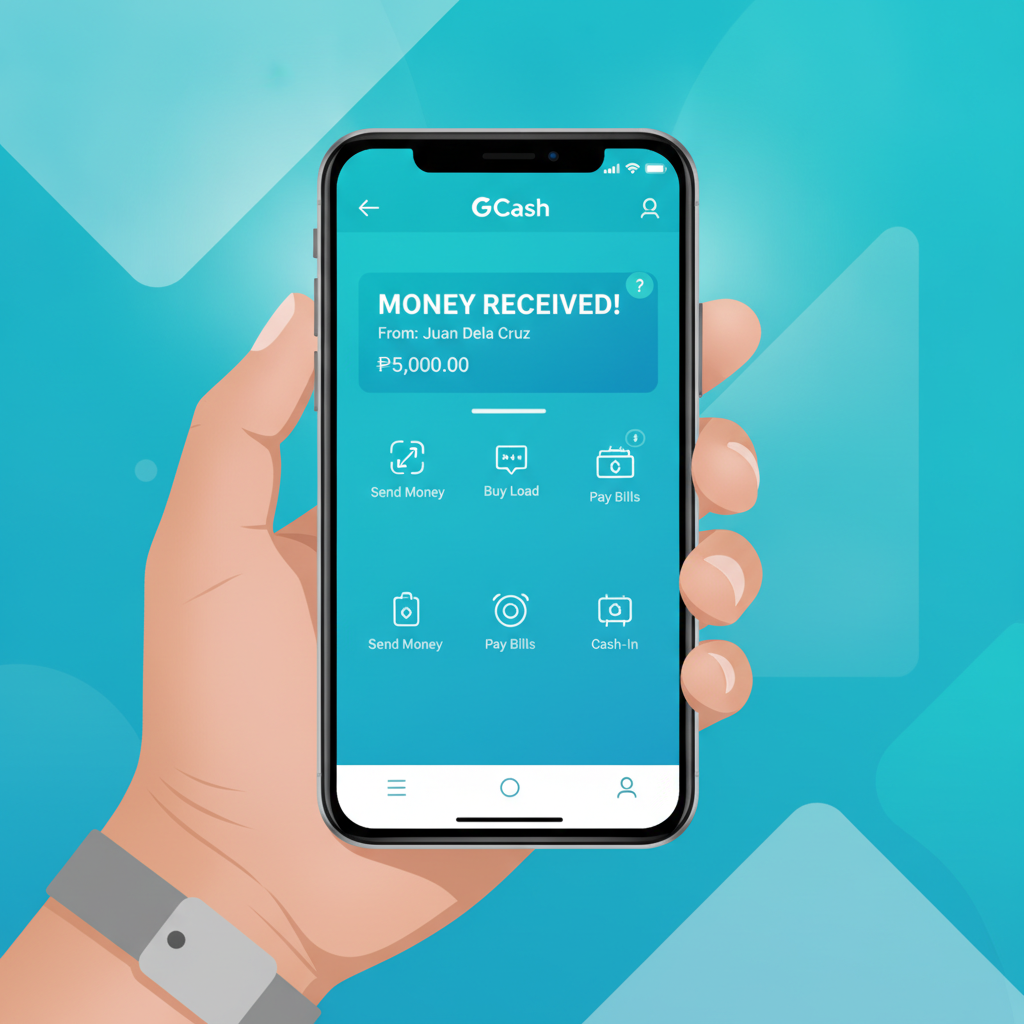
How to Withdraw Winnings to Your GCash Wallet from Reign Legacy
Reign Legacy offers GCash as a withdrawal option for Filipino players who want to cash out their winnings quickly. The process is straightforward, but you need a fully verified GCash account that matches the name on your Reign Legacy casino account.
Here's how to request a Reign Legacy GCash withdrawal:
- Log in to your Reign Legacy account on your mobile browser or app.
- Tap the cashier or wallet icon, usually found in the top menu or account section.
- Select "Withdraw" from the menu options.
- Choose GCash as your withdrawal method from the list of available e-wallets.
- Enter your registered GCash mobile number—this must match the number linked to your verified GCash account.
- Type the amount you want to withdraw in pesos. Make sure it falls within Reign Legacy's minimum and maximum limits (detailed below).
- Confirm the withdrawal request. You may be asked to enter a one-time PIN or verify via SMS.
- Wait for processing. Reign Legacy reviews withdrawal requests before releasing funds.
Once approved, the money transfers to your GCash wallet. You'll receive an SMS notification from GCash confirming the deposit. Most Reign Legacy GCash withdrawals process within a few hours during business days, though first-time cashouts or larger amounts may take up to 24 hours for security checks.
Minimum and Maximum GCash Cashout Limits
Reign Legacy sets both a floor and ceiling on how much you can withdraw to GCash in a single transaction. These limits help manage e-wallet transaction volumes and comply with payment-provider policies.
Typical Reign Legacy GCash withdrawal limits:
- Minimum withdrawal: PHP 100
- Maximum withdrawal per transaction: PHP 50,000
- Daily withdrawal cap: PHP 100,000 across all methods combined
The exact limits may vary depending on your account verification level and transaction history. Players who have completed full KYC (Know Your Customer) verification—submitting a valid government ID and proof of address—usually enjoy higher daily and per-transaction caps.
If you need to cash out an amount larger than the single-transaction maximum, you can submit multiple withdrawal requests. Keep in mind that each request will be processed separately, and total daily limits still apply.
GCash itself imposes a monthly incoming-transaction limit of PHP 100,000 for basic verified accounts and PHP 500,000 for fully verified accounts. If you're a regular player cashing out frequently, make sure your GCash verification tier can accommodate your withdrawal volume.
Fees Charged by Reign Legacy and GCash for Withdrawals
One of the main reasons Filipino players choose GCash for casino cashouts is the low or zero fee structure—but it's important to understand what Reign Legacy and GCash each charge.
Reign Legacy withdrawal fees:
Most of the time, Reign Legacy does not charge a processing fee for GCash withdrawals. However, the platform may apply an administrative fee (typically around 1–2% or a flat PHP 15–25) if you withdraw before meeting turnover requirements on a deposit. Always check the cashier page for the exact fee displayed before you confirm.
GCash incoming-transfer fees:
GCash does not charge you a fee to receive money into your wallet. The PHP amount Reign Legacy sends is the amount that lands in your GCash account.
GCash cash-out fees (if you move money from GCash to a bank):
If you later transfer your GCash balance to a Philippine bank account, GCash charges a small fee—usually PHP 15 for InstaPay transfers or free for PESONet, depending on the partner bank and current promotions.
In summary, a straightforward Reign Legacy-to-GCash withdrawal typically incurs zero fees on both sides, making it one of the most cost-effective ways to access your winnings.
Fixing 'GCash Wallet Not Verified' or 'Name Mismatch' Errors
Even when you follow every step correctly, you might run into error messages that block your Reign Legacy GCash withdrawal. Two of the most common issues are "GCash wallet not verified" and "name mismatch." Here's how to resolve each one.
GCash Wallet Not Verified
Reign Legacy requires that your GCash account is fully verified before you can receive casino payouts. GCash verification involves submitting a selfie and a valid government-issued ID (such as a driver's license, passport, UMID, or postal ID) inside the GCash app.
Steps to verify your GCash wallet:
- Open the GCash app and log in.
- Tap your profile icon or the menu in the top-left corner.
- Look for "Verify Now" or "Get Fully Verified" and tap it.
- Follow the prompts to upload a photo of your ID and take a selfie.
- Wait for GCash to review your documents—this usually takes a few minutes to a few hours.
Once GCash confirms your verification, try submitting your Reign Legacy withdrawal request again. If the error persists, log out of Reign Legacy and log back in to refresh your session.
Name Mismatch Error
Reign Legacy's payment system cross-checks the account name on file with the name registered to your GCash mobile number. If these don't match exactly—down to middle initials, suffixes, or spelling—the withdrawal will be rejected.
How to fix a name mismatch:
- Check your Reign Legacy account name: Go to your profile or account settings and confirm the full name listed. It should match your government ID.
- Check your GCash registered name: Open the GCash app, tap your profile, and verify the name displayed. This is pulled from the ID you used to verify GCash.
- Contact Reign Legacy support if your casino account name is incorrect or incomplete. You may need to submit proof of identity again to update your registered name.
- Contact GCash support at 2882 (domestic toll-free) if your GCash name is wrong. GCash can update your name if you provide a valid ID that shows the correct spelling.
Do not attempt to create a second GCash account with a different name or use a friend's wallet—Reign Legacy flags these actions as potential fraud and may suspend your account.
Reign Legacy GCash Withdrawal Time: What to Expect
Processing speed is one of the top concerns for players cashing out winnings. Here's a realistic timeline for Reign Legacy GCash withdrawals:
- Pending review: 1–6 hours. Reign Legacy's finance team checks your transaction for compliance and account verification. First-time withdrawals or amounts over PHP 10,000 may take longer.
- Transfer to GCash: Instant to 15 minutes once approved. GCash credits appear almost immediately after Reign Legacy releases the funds.
- Total time from request to GCash wallet: 1–24 hours in most cases.
Withdrawals requested late at night or on weekends may not be reviewed until the next business day. If your cashout is still pending after 24 hours, contact Reign Legacy customer support via live chat or the in-app help center. Have your transaction reference number ready.
Tips for Smooth Reign Legacy GCash Cashouts
- Use the same GCash number you used for deposits. Consistency speeds up verification.
- Complete full account verification early. Upload your ID and proof of address in your Reign Legacy profile before you need to withdraw.
- Withdraw in increments if you have a large balance. Smaller transactions often clear faster.
- Avoid withdrawing bonuses before meeting wagering requirements. Reign Legacy may void bonus funds and winnings if you cash out prematurely.
- Keep your GCash app updated to avoid technical glitches during incoming transfers.
21+ Only and Responsible Gambling Reminder
Reign Legacy is intended for players aged 21 and over. Online gambling should be entertainment, not a way to make money or solve financial problems. Set a budget before you play, and never chase losses. If you feel your gaming is becoming a problem, take a break or seek support from a responsible-gambling helpline. Most platforms, including Reign Legacy, offer self-exclusion and deposit-limit tools in account settings.
Cashing out your Reign Legacy winnings to GCash is fast and affordable once your accounts are verified and your names match. Follow the steps above, double-check your GCash verification status, and you'll have your pesos in your mobile wallet within hours.